
A Child's First Phone: Start with Where They'll Use It
Aug 4, 2026 · 6 min read · Product Guide
A child's first phone should start with where they'll use it. Compare a shared Wi-Fi phone at home or school with a portable cellular device for journeys and activities.
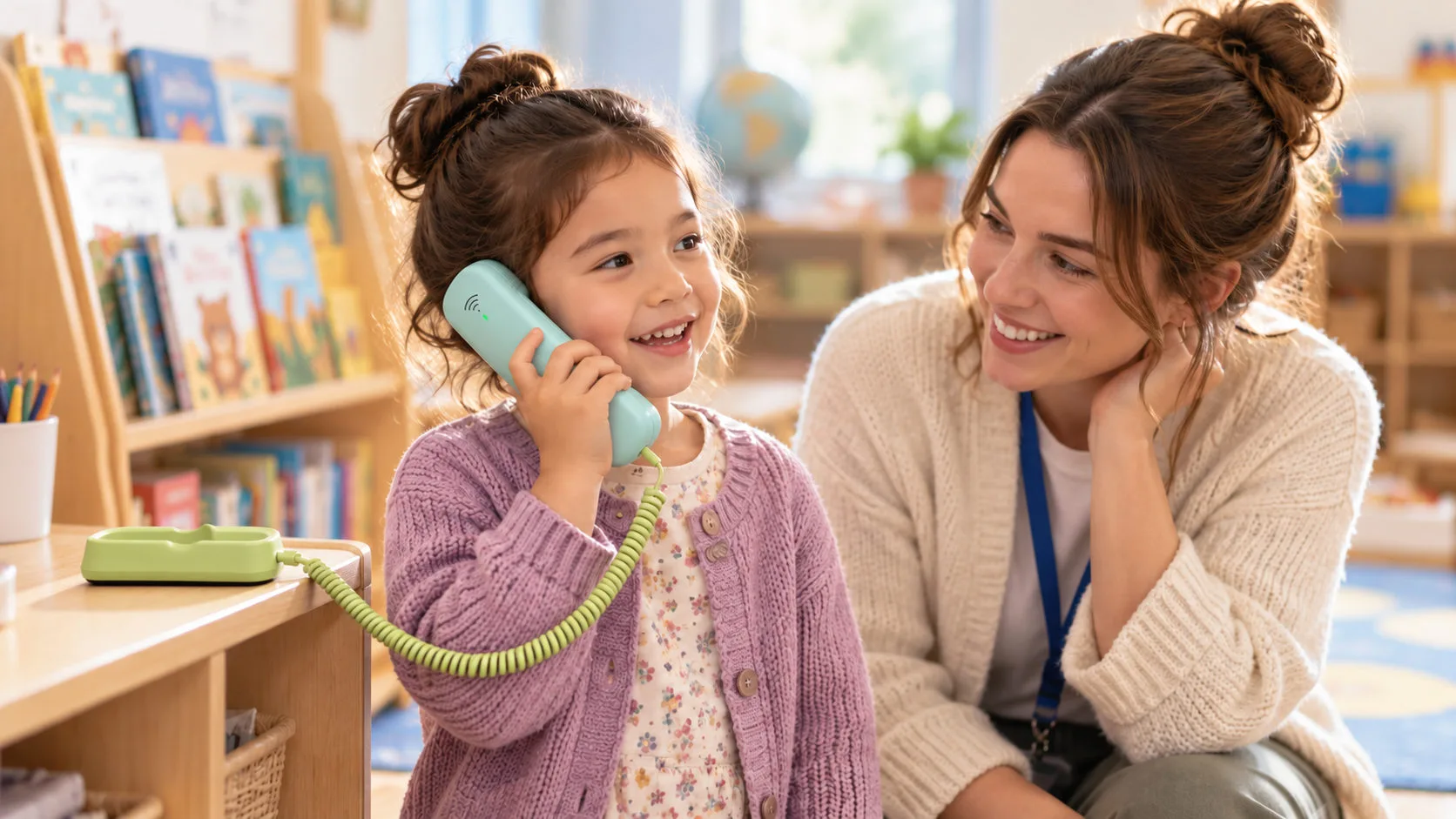
A child at kindergarten wants to call Mum. They probably do not need a mobile phone of their own for that conversation. A phone in the classroom, with a teacher helping when needed, may be enough.
For a student who takes the bus to school independently, that classroom phone is too far away. Missing the bus, finishing an activity early or arriving at a pickup point before a parent can all create a need for contact on the move.
Both children need to reach family. Before comparing features, it helps to ask where those conversations will happen.
Key Takeaways
- A shared phone may be enough for calls from home or a classroom, without giving each child a personal device.
- Portable devices suit journeys and activities, with calling, voice messaging and positioning serving different purposes.
- K1 and K2 offer two approaches: screen-free Wi-Fi calling and portable cellular communication with location and voice messaging functions.
A Phone Call Does Not Always Require a Smartphone
The reason for buying a child’s first phone may be very specific: reaching a parent when something happens or checking a change to pickup plans.
Alongside calling, a smartphone can give children access to app stores, social media, videos and websites. Parents need to decide what to allow and manage those settings as the child starts using it.
When the immediate need is calling, a dedicated phone gives the child a simple place to start: pick it up and speak with family.
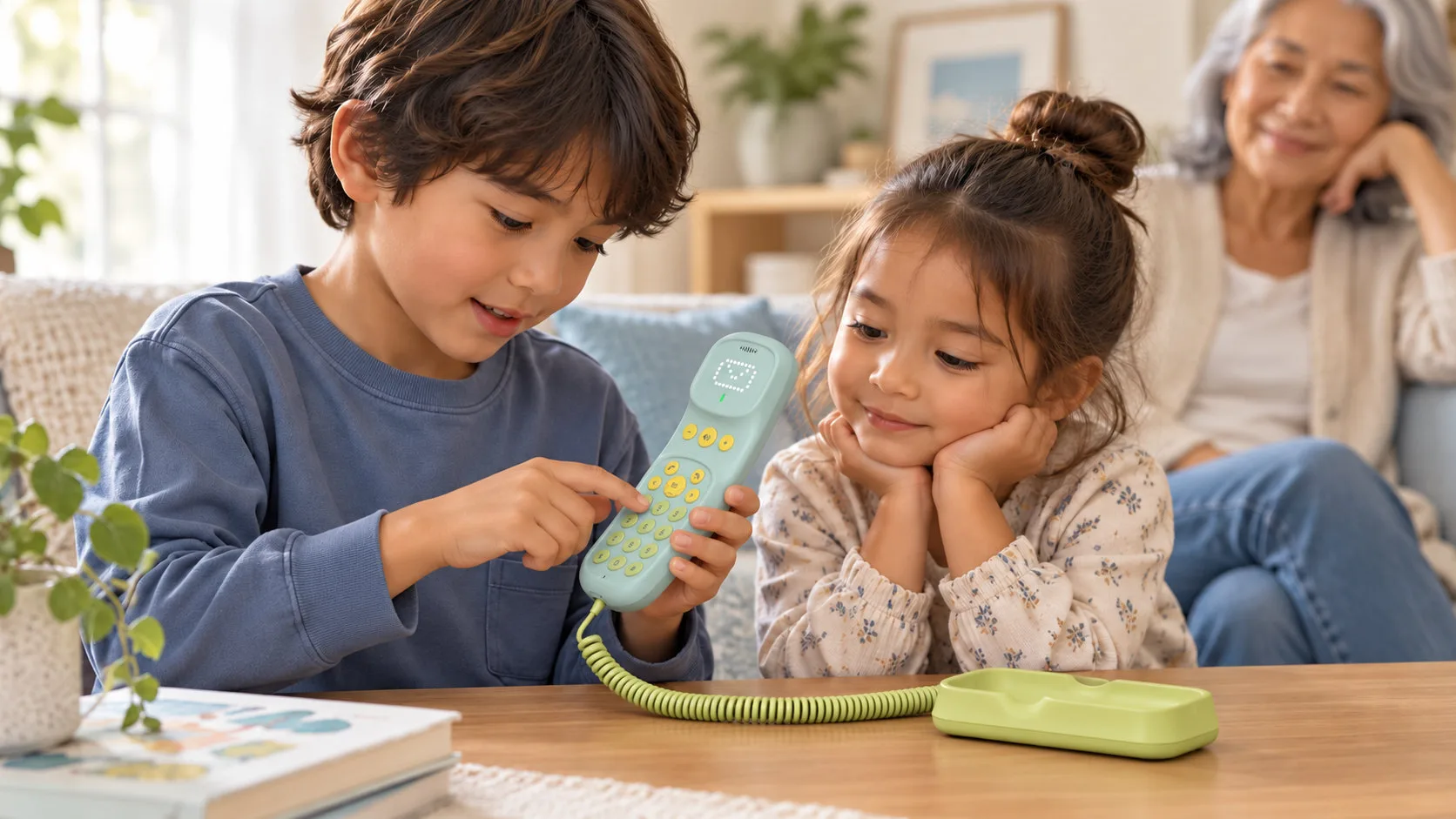
That arrangement can work beyond school. At home, a child may want to call a parent at work or speak to a grandparent. When those conversations happen in a fixed location, a phone kept in a familiar place can provide the contact they need.
K1: Simple Calling from a Familiar Place
KAER K1 is a screen-free Wi-Fi SIP phone for children. It connects through Wi-Fi without a SIM card in the device and reaches parent phones through a configured calling service.
Children can dial numbers directly or use one-touch calling to reach configured contacts. Where calling needs to be restricted, designated contacts can be set through a Web backend or app. K1 also supports a preset one-button SOS function.
One K1 per kindergarten class can provide a shared calling point. A child goes to the phone when they need it, with a teacher helping as appropriate. At home, K1 can be kept in a familiar place for everyday family calls.
There is no app store, social media or web browsing on the device. Wi-Fi connects the phone to its calling service; it does not provide a browser for the child.
Screen-free design also shapes how the phone is used: pick up the handset, dial, talk and put it back. The conversation has a clear ending.
For a closer look at shared family calling, read A Home Phone for Kids: Staying in Touch Before the First Smartphone.
K2: Staying in Touch on the Move
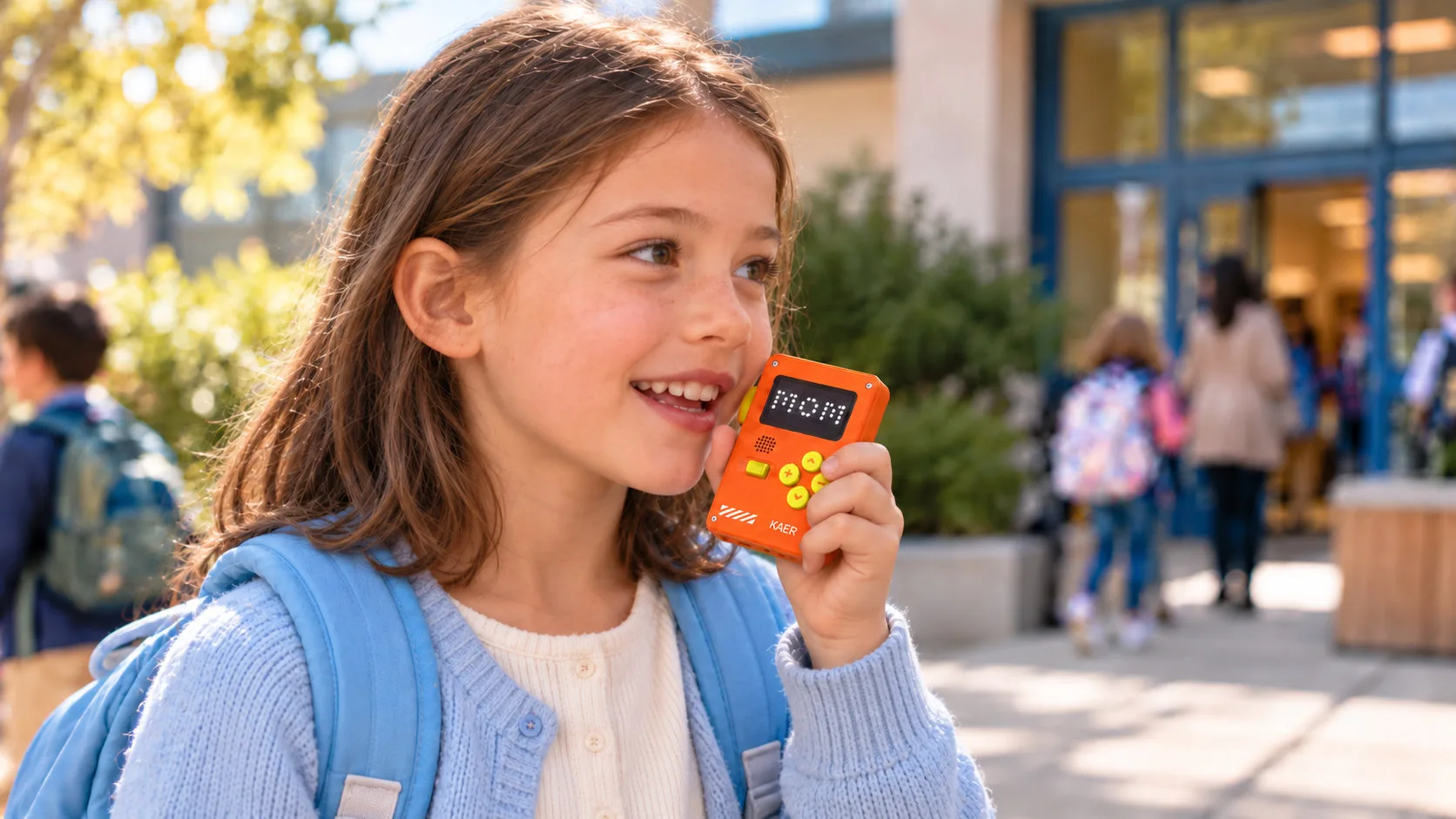
As children begin travelling independently or attending after-school activities, the moments when they need to call can happen away from home.
If a parent is running ten minutes late, the child can call to check. After an activity, a short voice message can share an update. These are small exchanges, but they help both people understand what is happening while they wait.
K2 is a portable, small-screen communication device. It uses ordinary cellular voice, so parents answer calls on their own mobile phones. It supports 2G, 3G and 4G networks, with frequency-band customization subject to assessment for the target market.
Parents can manage contacts and supported settings through the app. Whitelist calling keeps communication within the approved contact list, while school-time restrictions help limit use during lessons.
K2 has no social media, app store or web browsing. It includes simple built-in games, so families should understand it as a communication device with limited entertainment.
For families allowing children more independence while delaying a full smartphone, this offers another option.
Calls, Voice Messages and Location Each Have a Role
Not every update needs a live conversation.
“I’ve arrived” or “the activity has finished” can be shared through K2’s Voice Messenger. Children can leave a spoken message without using a social media app.
Calling is more direct when an immediate answer is needed. A child unsure which exit to wait at may need several questions and answers to settle the meeting point. Voice messages and calls can work together, depending on whether the exchange needs to happen in real time.
Location answers a different question. K2 supports GPS, Wi-Fi and LBS positioning, with location history and geofencing available through the selected app or platform configuration.
A map still needs to be read alongside the update time and circumstances. A position shows where the device was located; a call or voice message helps explain what the child is doing or needs.
Location updates and geofence alerts depend on positioning conditions, connectivity and the selected settings. They provide context for family contact, rather than a complete picture of the child’s circumstances.
Parents Handle Settings; Children Use the Device
With K2, parents use the KAER APP to manage supported settings while children use the device to communicate. Where devices are managed as a group, school staff use a Web backend, with permissions defined for the project.
K1 currently has a demo app and integration support; its production app and backend arrangement are agreed for the project. Customers who already have an app can also discuss integration of supported functions.
Different Daily Needs Create Different Product Opportunities
For distributors and brands, these situations offer a clear way to explain product differences. K1 provides a simple phone in a familiar place. K2 lets contact continue after the child leaves that place.
These are different uses, rather than steps in a fixed upgrade path. A child who needs portable contact might start with K2, while a shared K1 can remain useful at home.
The same use case can guide customization, from the device colors and packaging to the functions needed in the app. KAER offers logo, color and packaging customization, with requirements and MOQ confirmed for the project.
FAQ
Does needing to contact parents mean a child needs a personal phone?
No. A shared or household phone may be enough for calls from familiar locations. Portable devices are more relevant when contact is needed during journeys or outings.
Does K1's Wi-Fi connection let children browse the internet?
No. Wi-Fi supports device communication. K1 does not provide web browsing, an app store or social media.
How does K2 voice messaging differ from calling?
Voice Messenger suits short updates that do not require an immediate conversation. A call is useful when a quick reply or further discussion is needed.
How should buyers choose between K1 and K2?
Start with where contact is needed, then consider portability, voice messaging and positioning. Age can provide context, but the child's daily routine is a more useful starting point.
Find the Right Child Communication Product for Your Market
Are you planning household calling, portable family communication or a children's device under your own brand? Share your intended users, use cases and required functions with KAER.
Contact Us — vicky@kaer.cn