
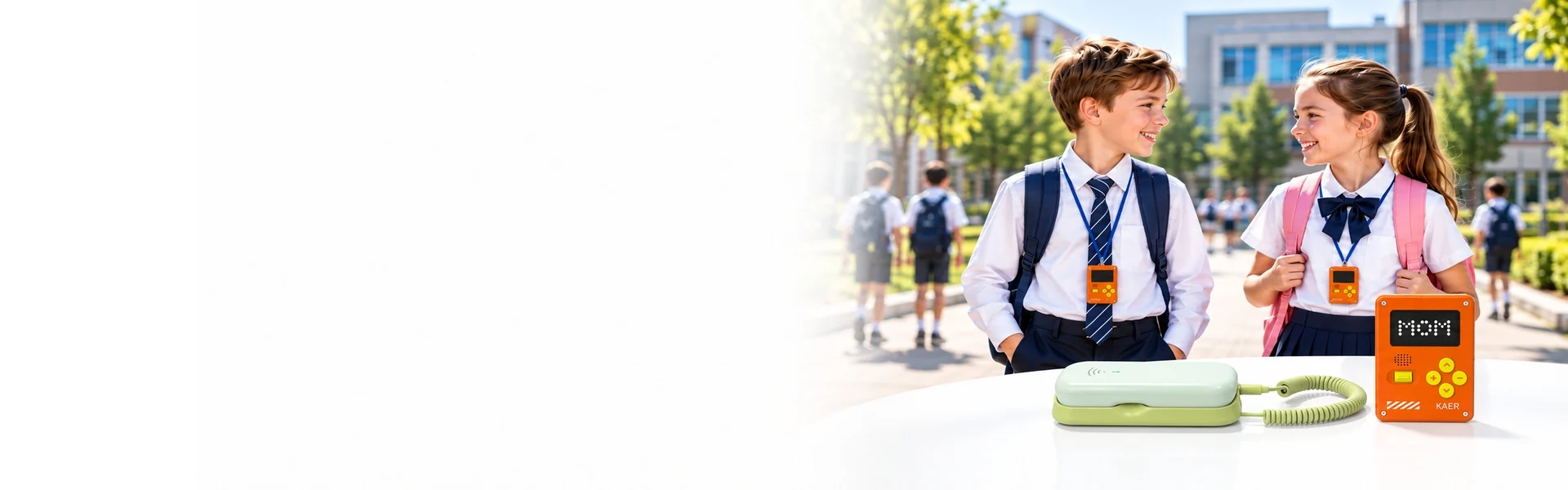
Campus Communication &
Student Safety
Dedicated student devices for calling, location checks, and SOS contact. Use KAER's app or integrate with your own app to build a solution around your school's requirements.
Student Communication Devices
Two device families cover kindergarten through middle school — simple voice communication for younger children, and calling plus location for students who travel.
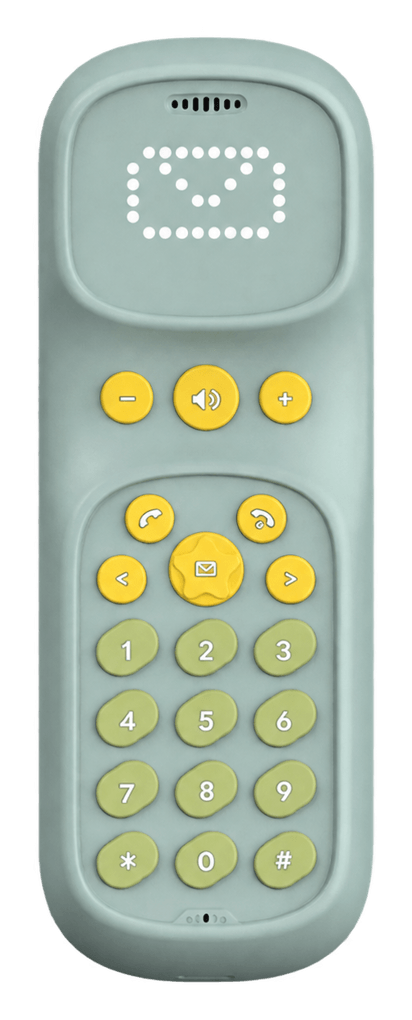
K1 — Screen-Free Communication
A simple voice communication device for younger students.
- Screen-free design
- Voice communication
- Contact with parents and teachers
- Controlled contact settings
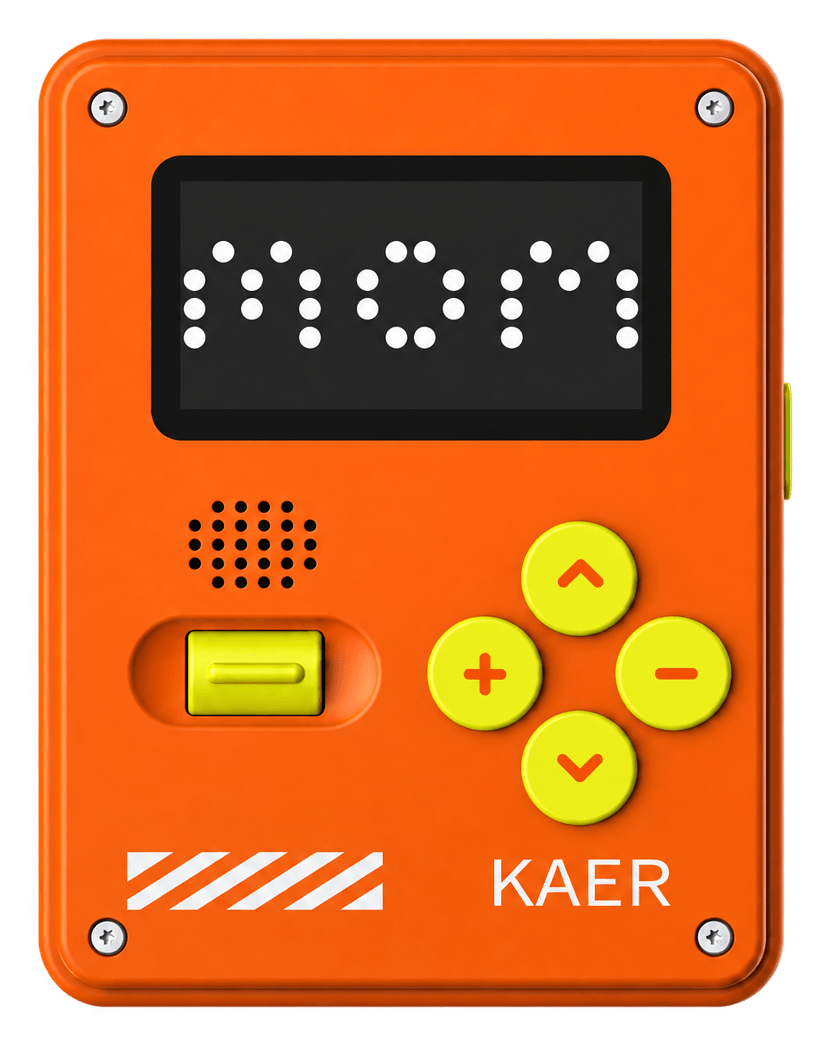
K2 — Communication & Location
A student device for everyday contact, journeys to school, and outdoor activities.
- 4G voice calling
- Voice messaging
- GPS location tracking
- SOS contact
- App-based management
Available features depend on device and project configuration.
Your App or KAER App
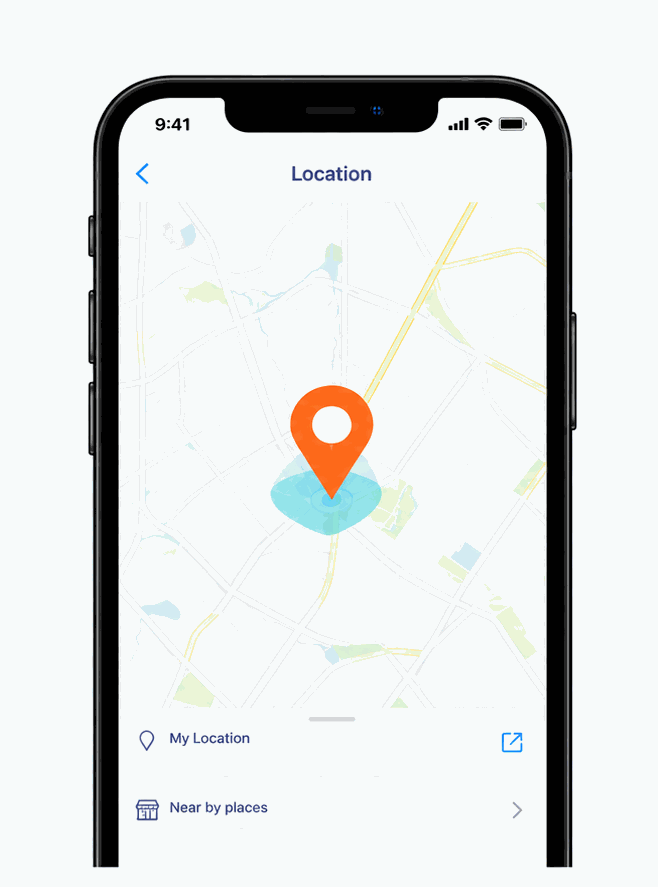
Connect to Your Own App
Integrate device communication, location, and management functions with your existing app.
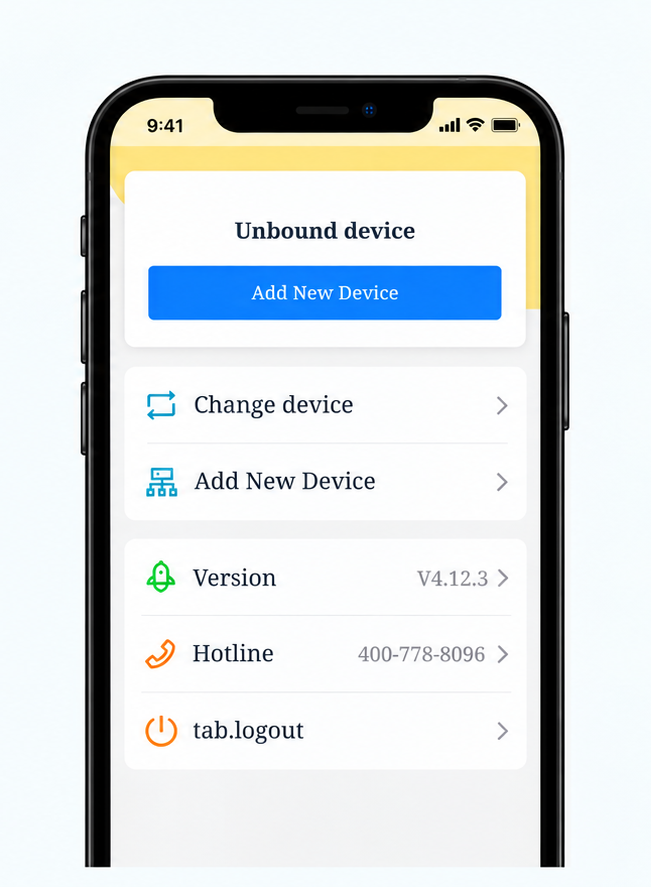
Use KAER App
Access supported calling, location, contacts, and device settings.
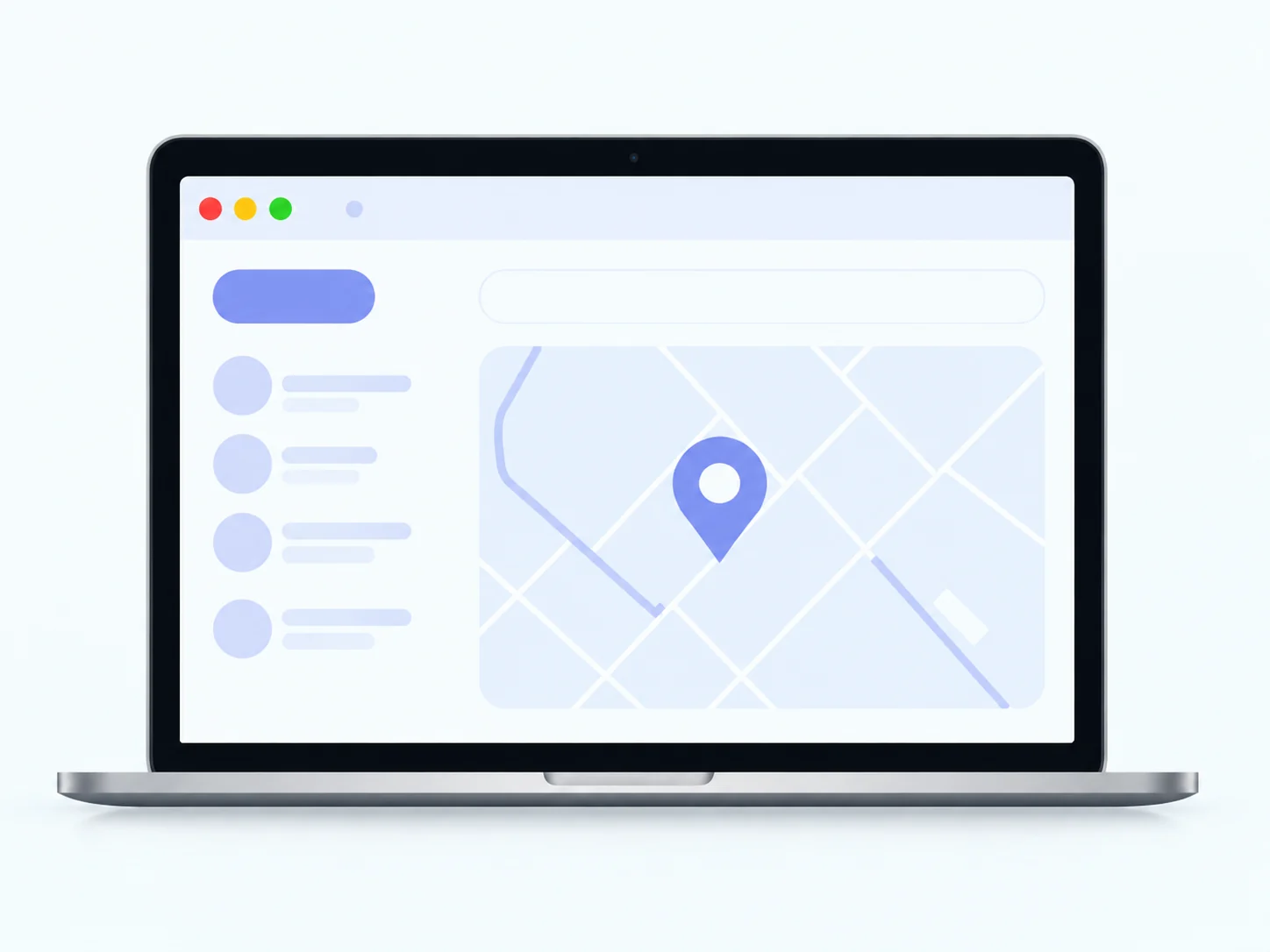
Add School Management
A separate portal can organize students, classes, and devices, with permissions for school staff.
Integration scope is agreed during technical evaluation.
School Management
Organize access across education groups, schools, grades, and classes.
| Role | Management Scope |
|---|---|
| Education group administrator | Schools, student statistics, device status |
| School administrator | Student groups, teacher accounts, device assignments |
| Class administrator | Assigned students and device information |
Attendance requires data collection and workflow configuration.
Campus Use Cases
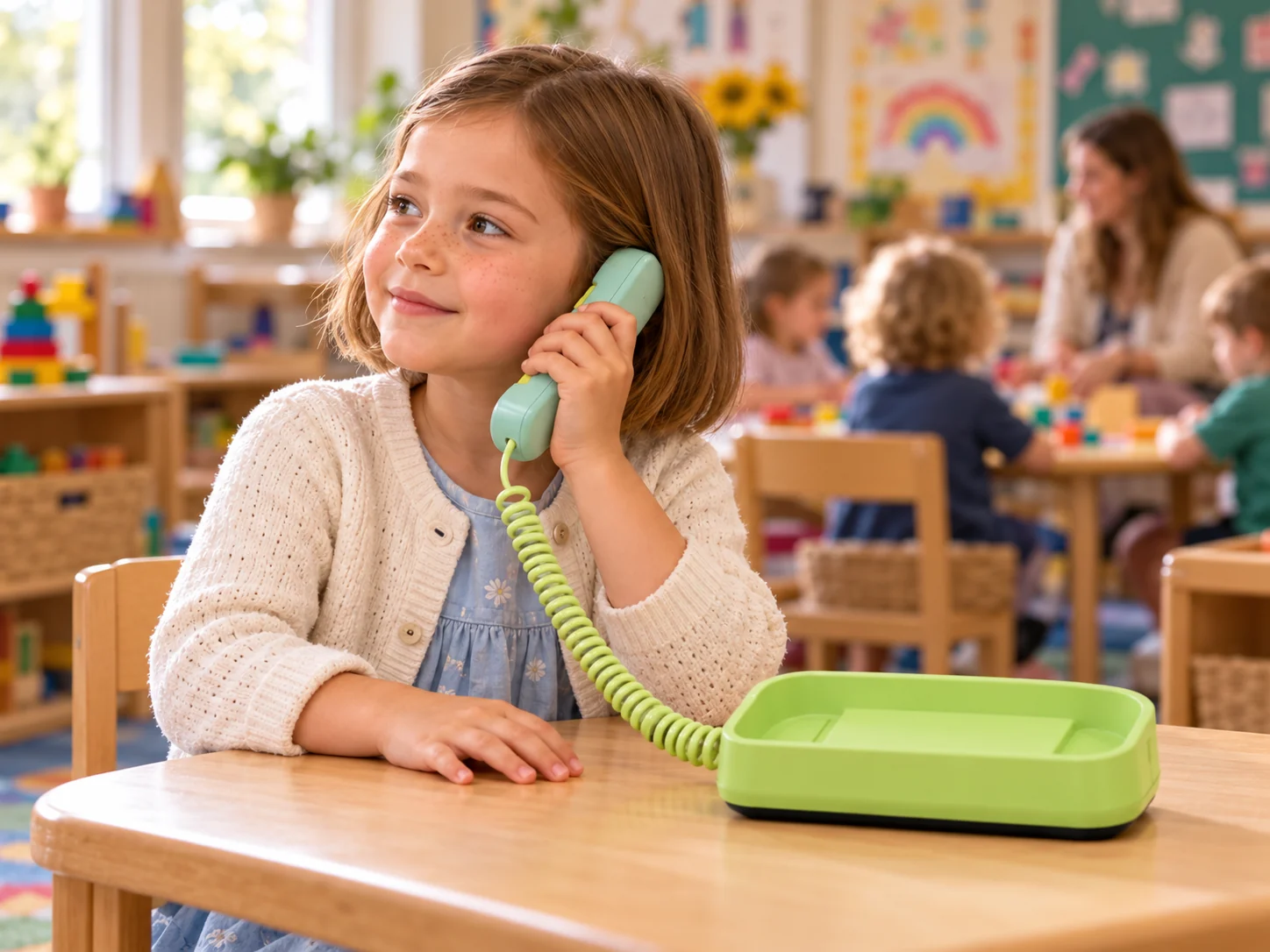
Kindergarten Communication
Contact between younger children and parents from kindergarten, with staff assistance when needed.
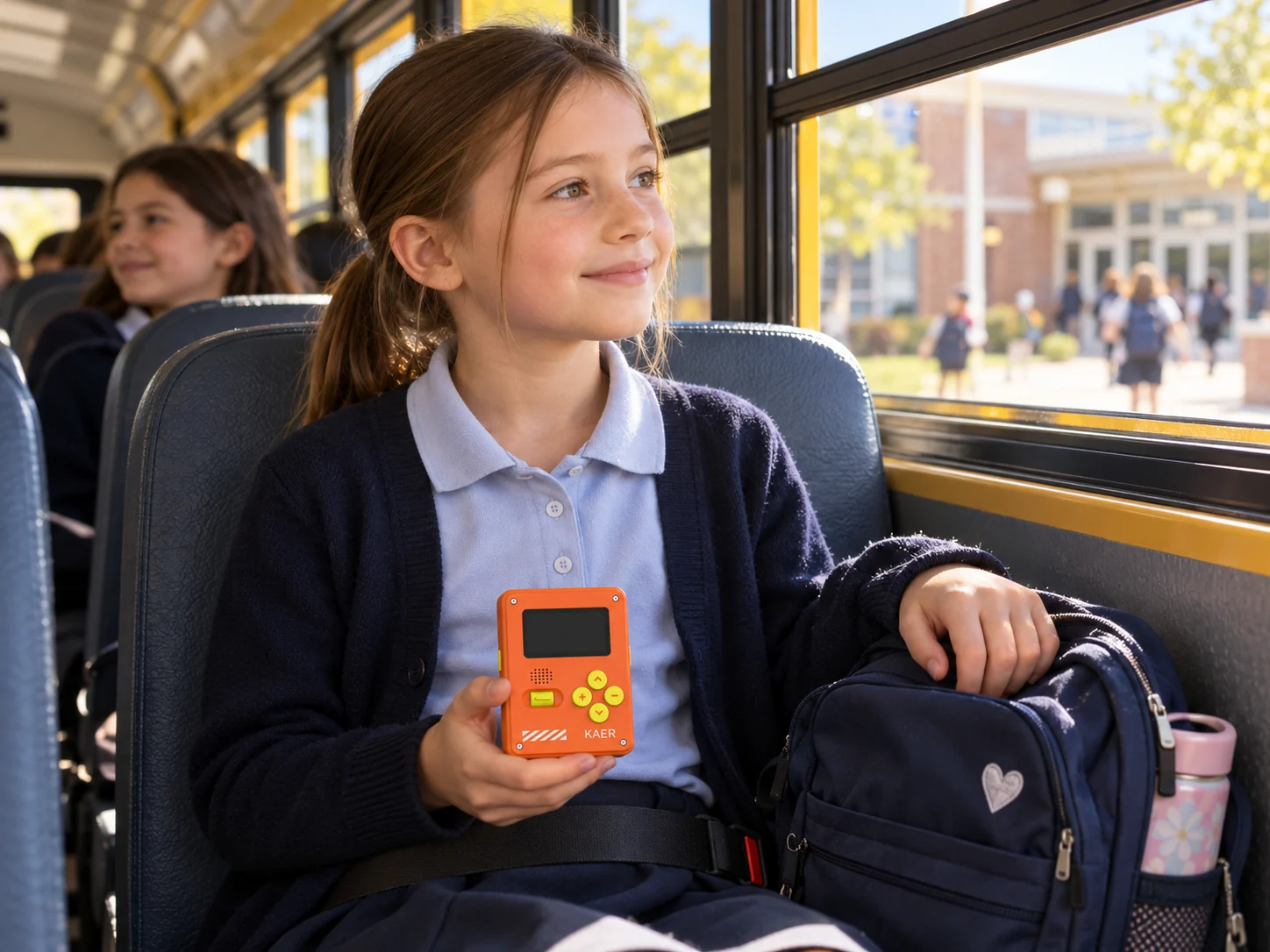
School Days & Commuting
Calling, SOS contact, and location checks for older students at school and on journeys to and from school.
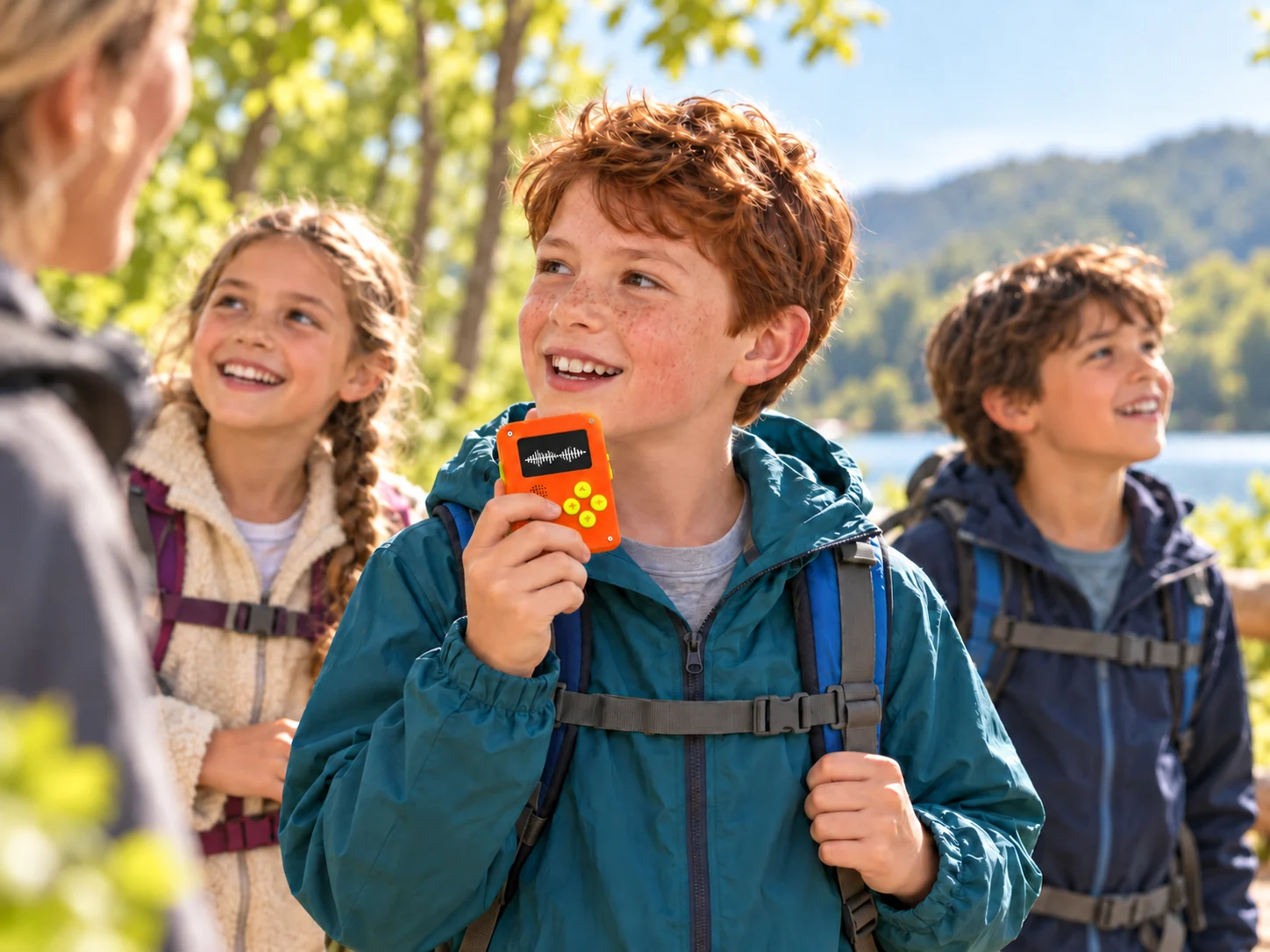
School Trips & Outings
Calling, SOS contact, and location checks during field trips and outdoor activities, helping students reach parents or designated staff.
Optional BLE Campus Extension
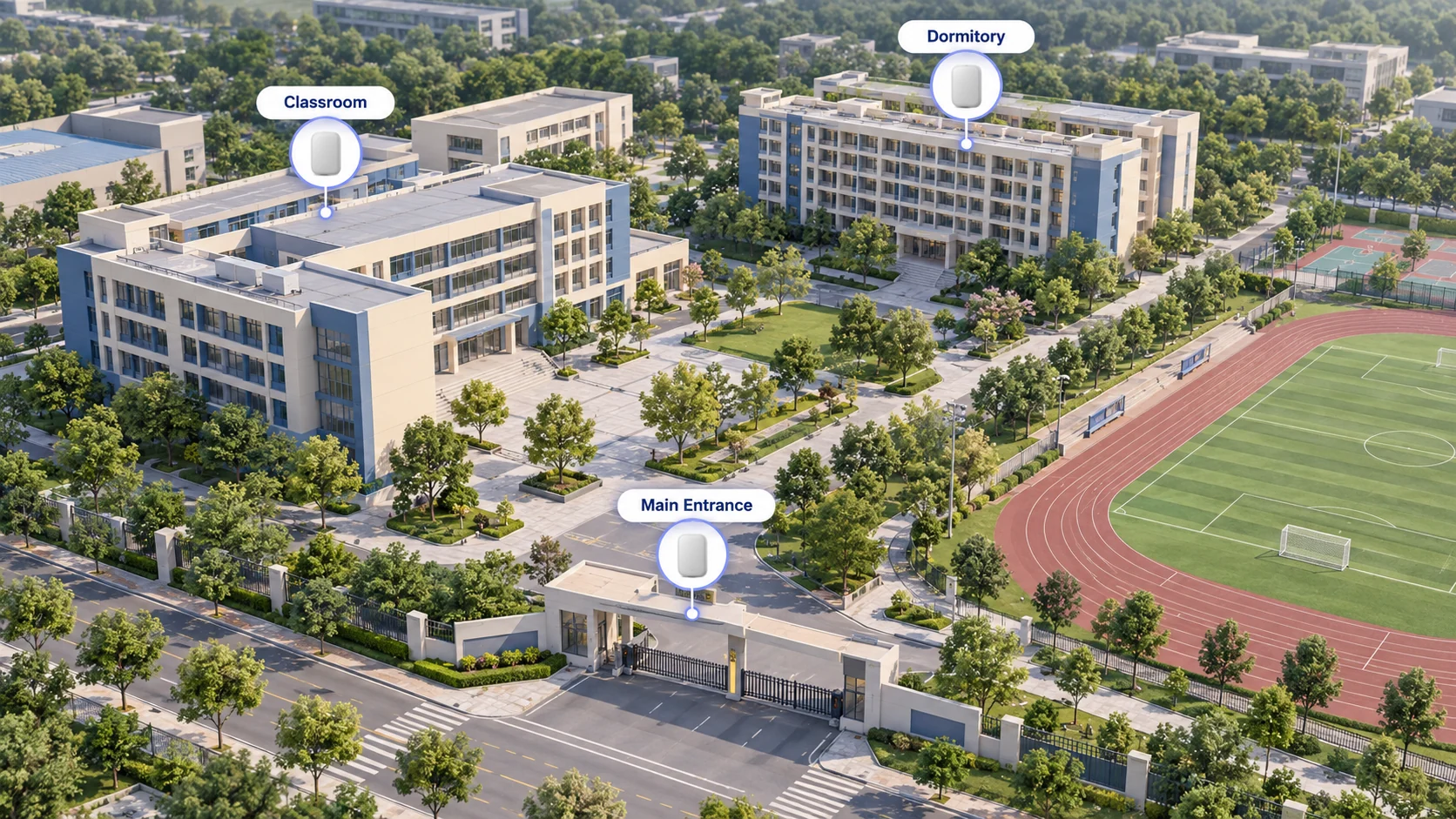
Deploy BLE gateways in selected areas to support device zone detection.
- Classroom zone recognition
- Dormitory entrance detection
- Campus zone records
- Attendance workflow integration
Requires compatible devices, gateway installation, coverage testing, and platform integration.
Attendance rules are configured separately.
Customization & Project Support

Hardware
Device selection, appearance, and hardware customization.

Software
Feature configuration and app integration.

Management
School structure, staff permissions, and reporting requirements.

Deployment
Device quantities, gateway needs, and rollout planning.
Discuss Your School Project
Share your student age groups, required functions, and whether you plan to use your own app or KAER App. We'll help define the devices and integration work needed.